- Home
- How It Works
Your menu on the table in 4 steps
Below are the real dashboard screens next to what guests see on their phone. Try typing in the forms; the menu updates instantly.
No credit card required · Test all features immediately
Add your venue
Type your venue name and your menu address is created automatically. The description and address appear at the top of the menu.
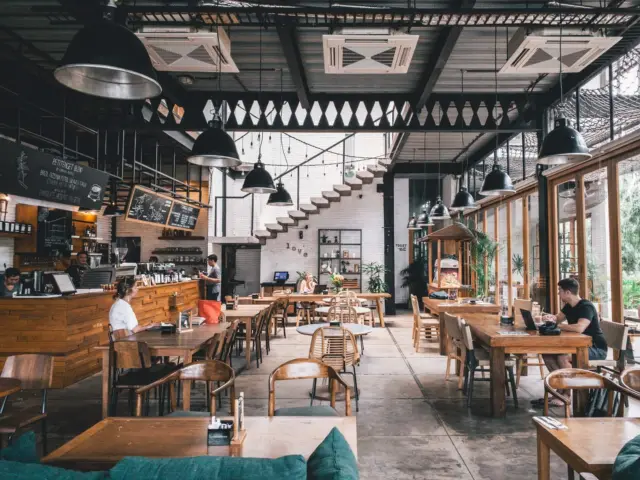
Create a category
Create categories such as Breakfast, Hot Drinks or Desserts; matching photos are suggested as you type. Add sub-categories if you like. Add languages and type translations, or translate in one click on the paid plan.

Tap TR on the phone to switch language.
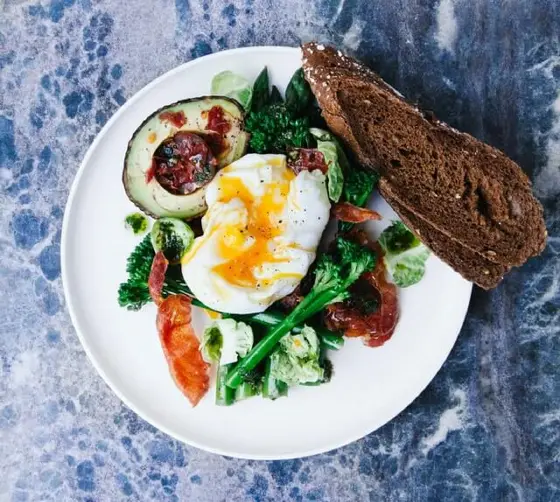
Add your items
Type the item name, description and price. Matching ready-made photos appear as soon as you type the name; just pick one, no photo shoot needed. You can upload your own too. Included in the 15-day trial.



Put the QR code on the table
Download and print your QR code. Guests scan it and your menu opens on their phone. When a price changes you update it in the dashboard; the printed code never changes.
Change the price: the menu on the phone updates at once, the QR code stays the same.
We can enter your menu for you
Send us a photo of your current menu and we will set it up together. Live support is there whenever you get stuck.
Try 15 Days Free
No credit card required. Create your menu in minutes, place QR codes on tables and experience the difference from day one.